The Future at Your Fingertips: Exploring Touchscreen Solutions
In a world that increasingly values interactivity and seamless user experiences, touchscreen solutions have become indispensable. From smartphones and tablets to interactive kiosks and digital signage, touchscreens are transforming the way we interact with technology. This blog will explore the many facets of touchscreen solutions, including their benefits, diverse applications, and the advanced technology behind them.
Understanding Touchscreen Solutions
A touchscreen is a display that can detect and respond to touch, allowing users to interact directly with what is displayed on the screen. This technology eliminates the need for external input devices like keyboards and mice, creating a more intuitive and engaging user experience.
Benefits of Touchscreen Solutions
- Intuitive User Interface: Touchscreens provide a natural and straightforward way to interact with technology. The tactile feedback and direct manipulation of on-screen elements make it easy for users of all ages and tech-savviness to navigate.
- Space-Saving Design: By integrating the display and input method into one device, touchscreens save valuable space. This is particularly beneficial in environments where space is limited, such as retail counters and information kiosks.
- Enhanced User Engagement: Touchscreens offer interactive experiences that can capture and hold users’ attention. This is especially useful in educational settings, museums, and advertising, where engagement is key.
- Versatility and Flexibility: Touchscreen solutions can be used in various settings, from handheld devices to large interactive displays. They support a range of applications, including point-of-sale systems, self-service kiosks, and collaborative workspaces.

Applications of Touchscreen Solutions
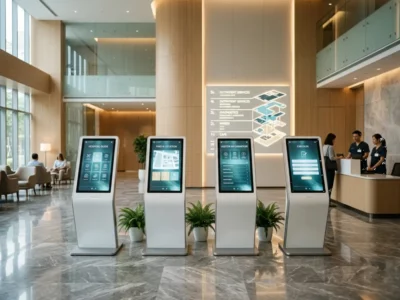
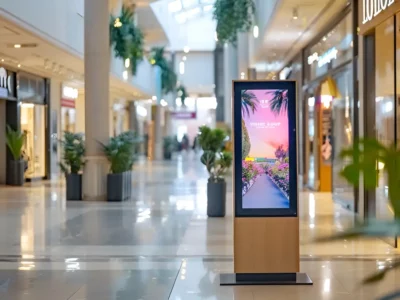
- Retail and Hospitality: Touchscreen kiosks in retail stores and hotels streamline the customer experience. They can be used for self-checkout, product information, and reservations, reducing wait times and improving service efficiency.
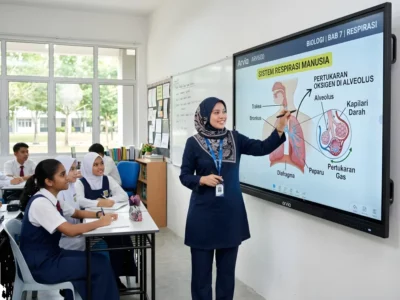
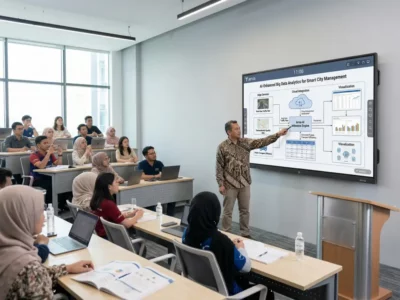
- Education and Training: Interactive whiteboards and tablets in classrooms facilitate dynamic learning experiences. Touchscreens enable interactive lessons, digital note-taking, and collaborative projects, enhancing student engagement and participation.
- Healthcare: Touchscreen devices in healthcare settings improve patient care and administrative efficiency. They are used for patient check-ins, electronic medical records, and telemedicine consultations, providing quick and accurate access to information.
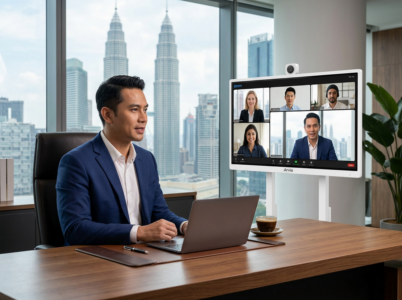
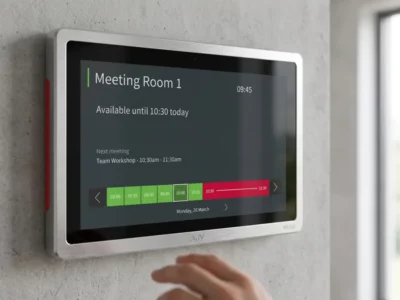
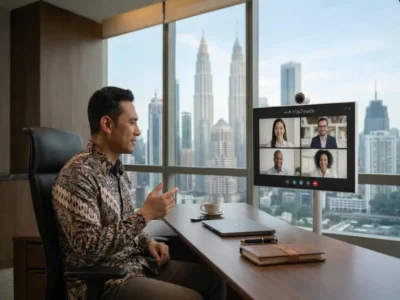
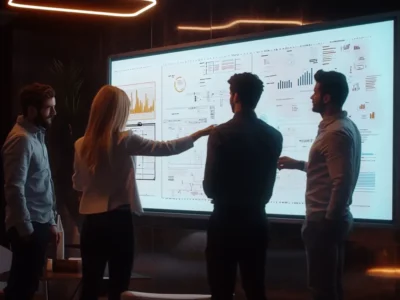
- Corporate and Professional Environments: Touchscreen solutions in offices enhance productivity and collaboration. Interactive displays in meeting rooms support presentations, brainstorming sessions, and video conferencing, making teamwork more efficient and effective.
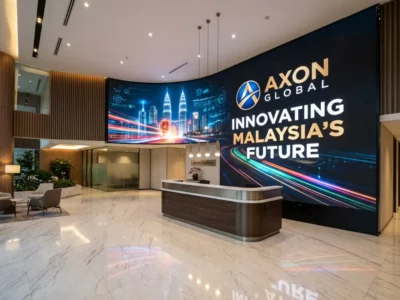
- Public Information Systems: Touchscreen kiosks in public spaces provide accessible information to the public. They are used in airports, museums, and tourist centers to offer maps, schedules, and multimedia content, improving the user experience.
The Technology Behind Touchscreen Solutions
Touchscreen technology relies on several key components and principles:
- Touch Sensors: These are the core of any touchscreen device. There are various types of touch sensors, including resistive, capacitive, infrared, and surface acoustic wave (SAW) sensors, each with its advantages and use cases.
- Controller: The touchscreen controller processes the signals from the touch sensors and translates them into input commands. It ensures that touch inputs are accurately detected and interpreted by the device.
- Software: Touchscreen software provides the interface and functionalities for users to interact with the device. This includes operating systems, drivers, and applications designed to respond to touch inputs.
- Display: The display presents the visual content that users interact with. Modern touchscreens use high-resolution displays that offer clear and vibrant visuals, enhancing the overall user experience.

Future Trends in Touchscreen Solutions
The future of touchscreen solutions looks promising, with continuous innovations aimed at improving performance and expanding applications. Emerging trends include:
- Multi-Touch and Gesture Recognition: Advanced touchscreens support multi-touch inputs and complex gestures, allowing for more sophisticated interactions. This technology is becoming increasingly prevalent in devices and applications.
- Flexible and Foldable Screens: Innovations in display technology are leading to flexible and foldable touchscreens. These screens offer new form factors and can be used in a variety of novel applications, from wearable devices to rollable displays.
- Haptic Feedback: To enhance the tactile experience, haptic feedback technology is being integrated into touchscreens. This provides users with physical sensations, such as vibrations, in response to touch inputs, making interactions more immersive.
- Integration with AI and IoT: Touchscreen solutions are becoming smarter with the integration of artificial intelligence and the Internet of Things. This enables touchscreens to offer personalized experiences and interact with other connected devices seamlessly.
In conclusion, touchscreen solutions are at the forefront of technological innovation, offering intuitive, engaging, and versatile ways to interact with digital content. As technology continues to evolve, touchscreens will play an even more significant role in shaping our interactions with the world around us, bringing the future quite literally to our fingertips.