Enhancing Learning with Smartboard Usage in High School
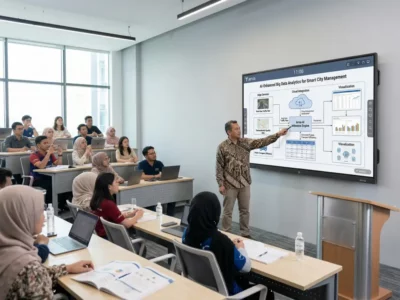
Welcome to a revolutionary way of enhancing the learning experience in high school through the utilization of Smartboards. These interactive displays are not only changing the traditional classroom setup but are also bringing a new era of engagement and interactivity to students, embodying the philosophy that we’re committed to innovative education.
How can a Smartboard Improve Classroom Interactivity?
Enhancing Student Engagement through Interactive Displays
Smartboards are designed to enhance student engagement through interactive displays. By allowing students to actively participate in lessons through touch and pen inputs, these smart interactive panels make learning more dynamic and exciting, embodying Smart’s commitment to interactive learning.
Benefits of Using Smartboard for Annotating Lessons
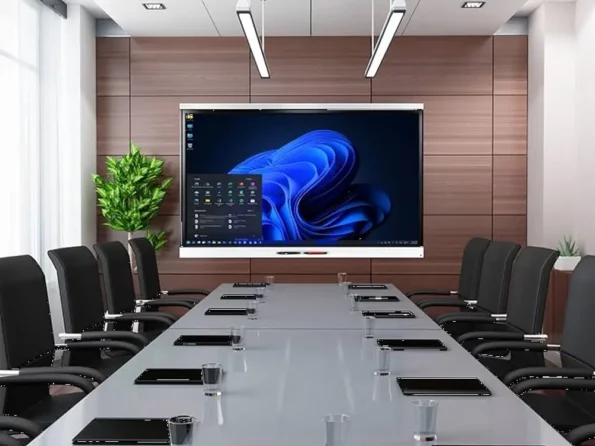
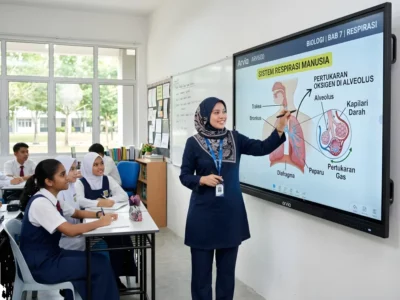
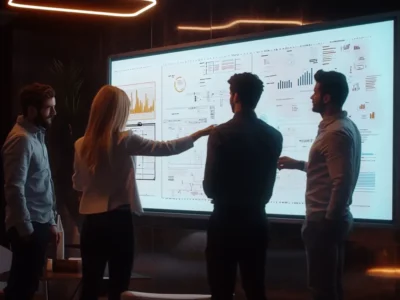
Annotation on Smartboards offers a range of benefits for educators, turning these devices into essential tools for interactive smartboard lessons. With the ability to annotate lessons in real-time, teachers can highlight key points, draw diagrams, and interact directly with the content, ultimately making learning more personalized and effective.
Creating a Collaborative Learning Environment with Smartboard Conferencing
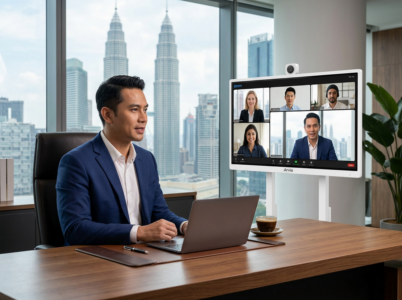
Smartboard conferencing tools enable collaborative learning experiences by connecting students and teachers in real-time, regardless of their physical locations. This feature fosters teamwork, communication, and a sense of community among learners.

How does Screen Mirroring Enhance Learning Experience with Smartboards?
Utilizing Screen Mirroring for Seamless Projection of Student Devices
Screen mirroring on Smartboards facilitates seamless projection of student devices onto the interactive display, promoting collaboration and sharing of ideas. This feature encourages interactive learning experiences and peer-to-peer engagement on the interactive whiteboard.
Enhancing Classroom Interactivity with 4k Ultra HD Panel in Smartboards
The 4k Ultra HD panel on Smartboards delivers unparalleled visual quality, making lessons more engaging and impactful. With crystal-clear resolution, students can immerse themselves in the content, enhancing their learning experience on interactive whiteboards.
Improving Lessons through Smart Annotation and Whiteboard Integration
Smart annotation and whiteboard integration tools empower educators to create dynamic and interactive lessons that cater to diverse learning styles. By combining written and multimedia content, teachers can deliver comprehensive and engaging classroom experiences.
What are the Innovative Tools Available on a Smartboard?
Exploring the Interactive Tools like Tool Explorer for Richer Content Delivery
Interactive tools such as Tool Explorer provide educators with a wide range of options for delivering rich and engaging content. By incorporating multimedia elements, teachers can capture students’ attention and make learning more interactive and memorable.
Enhancing the Writing Experience with Every Smart Annotation Feature
Smartboards enhance the writing experience through smart annotation features that allow teachers to annotate, highlight, and edit content in real-time, making it an essential interactive smartboard for classrooms. These tools provide a dynamic platform for interactive learning and creativity.
Customizing Learning with User Profiles on Smart Interactive Displays
User profiles on smart interactive displays enable personalized learning experiences by storing individual preferences and settings, a hallmark of smartboard for classroom innovation. This customization feature ensures that each student receives tailored content and support, fostering academic growth and success on smart interactive whiteboards.
How can a Smartboard Transform the Learning Environment?
Enhancing Interactivity and Engagement with Smart Ink Technology
Smart Ink technology enhances interactivity and engagement by allowing students to interact directly with the content using touch and pen inputs. This hands-on approach puts students in the driver’s seat of their learning journey, promoting active participation and knowledge retention.
Utilizing Eraser and Built-in Tools for a Simplified Learning Experience
The built-in tools and eraser functionality on Smartboards simplify the learning experience by providing intuitive features for editing and organizing content. This streamlined approach enables educators to focus on delivering impactful lessons without technological barriers.
Integrating Video Conferencing for Virtual Collaborative Learning on Smartboards
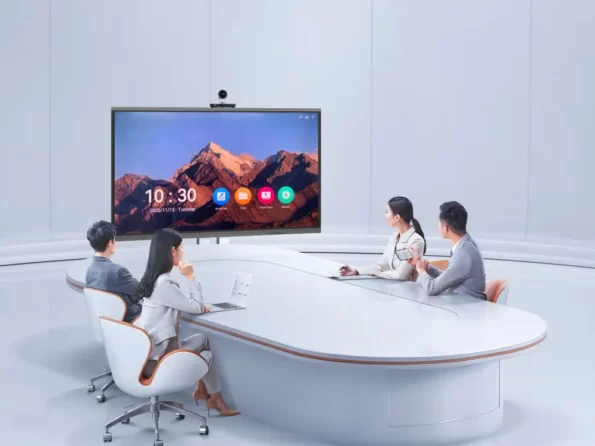
Video conferencing capabilities on Smartboards enable virtual collaborative learning experiences, connecting students and experts from around the world, ideal for meeting room discussions that require a smart board. This innovative tool expands educational horizons, promotes cultural exchange, and prepares students for a globalized society via screen sharing and interactive learning on smartboards.